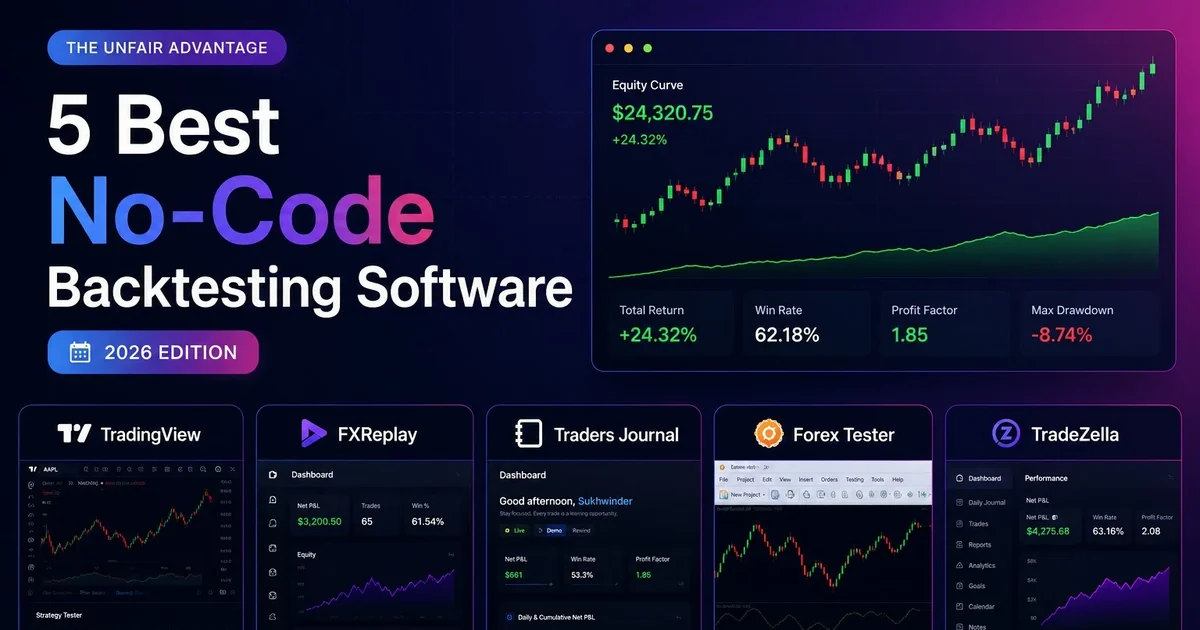
The best no-code backtesting software is the one that lets you manually replay charts, place trades, and review the results without writing code. Tradezella is strongest for analytics, FXReplay for forex replay, Traders Journal for an affordable all-in-one workflow, Forex Tester for deep tick data, and TradingView for global chart coverage.
We used all five platforms and compared their public plan information, markets, historical data, replay tools, journaling, and pricing. The details were reviewed again on 21st July 2026. Prices and plans can change, because apparently software subscriptions also enjoy moving targets.
Here is a simple way to think about it. A test kitchen lets a chef try a new recipe on ingredients already bought, before it goes anywhere near a paying customer. No-code backtesting is the same idea for a trading strategy — you run it against price data that already happened, so the first real mistake shows up on a chart from 2019, not your account this afternoon.
Different backtesting platforms are just different test kitchens. Some have industrial ovens and twenty years of ingredients on the shelf (Forex Tester). Some are built for one cuisine and do it well (FXReplay, forex only). Some hand you a full kitchen, a notebook, and the ingredients for under the price of a coffee subscription (Traders Journal). None of them cook the strategy for you — you still have to taste it, adjust it, and decide if it is worth serving.
What Is No-Code Backtesting?
Backtesting means testing your trading strategy on past market data before you risk real money. You replay historical price action and place trades as if it were live, then see how your strategy would have performed. For the full breakdown of what that proves (and what it doesn't), see what is backtesting in trading.
In this guide, no-code backtesting means manual visual bar replay. No programming, scripts, or formulas. You pick a tool, load an old chart, move forward candle by candle, and place trades using fixed rules. Simple as that.
In 2026, many platforms offer this but they are not all built the same. Some are better for Indian markets, some for forex, some focus on journaling, and some give you deep data going back 20+ years. This guide breaks down the top 5 so you can find the right one for your trading style. If you also want a broader view of tools that combine review and execution, read our best free trading journal software comparison.
Manual vs. Automated Backtesting
Every backtest, no matter which tool runs it, is really just checking a fixed set of rules against historical data. That part never changes. What splits backtesting into two types is who executes the rule — you, by hand, or the software, on its own — and that difference decides which tool on this list actually fits you.
Manual backtesting is what this whole guide has been describing so far — you replay the chart yourself, candle by candle, and place trades by hand using rules you already decided on. It is slower, but it builds a kind of pattern memory that comes from actually sitting through the boring stretches, not from reading a summary of them. Tradezella, FXReplay, Traders Journal, Forex Tester, and TradingView all do this.
Automated backtesting hands the replay to the software. You define the rule once — for example, "enter when price crosses above the 20 EMA, exit at 1:1" — and the platform runs that rule across years of data in seconds, without you touching a single candle. It is faster and removes hindsight bias completely, but it only tests what you were disciplined enough to write down as a precise rule in the first place.
On this list, full automated backtesting is a newer and smaller group: Tradezella's Ultra plan added no-code automated backtesting on top of its manual tools, and Forex Tester has offered a simpler, condition-based version of this for a while — set one condition (say, price above a level) and one action (pause the test, or fire an order), and it runs on its own. Traders Journal sits in between: SuperCharts alerts are rule-based too, triggering on that same kind of price condition, but they notify you rather than acting for you — a lighter form of automation where the decision and the click are still yours. Forex Tester goes one step further and takes that action for you.
Neither type is automatically better. Manual backtesting teaches you to read price. Automated backtesting checks whether the rule actually holds up once your own hands are out of the equation. Most traders need to start manual, then move part of a proven strategy to automated once the rule is precise enough to write down without any "it depends." If your automated tests run through an Expert Advisor in MetaTrader instead of a tool on this list, here's how to actually read the MT4 backtesting report it hands you at the end.
Why Traders Look for an FX Replay Alternative
If you found this comparison by searching for an FX Replay alternative specifically, you already know what is not working — you do not need us to sell you on backtesting in general. Two complaints keep showing up in reviews and trader forums: FXReplay's free plan is thin enough that most people outgrow it in a session or two, and chart loading slows down noticeably once you push it during busier sessions. Neither is fatal on its own, but together they are the two most common reasons traders start looking elsewhere.
FXReplay is also web-only, with no desktop app, and does not cover Indian markets — fine if you trade forex from a browser and nothing else, less fine if you want a mobile workflow or NIFTY/BANKNIFTY data alongside your forex testing.
The two platforms on this list built to answer those specific gaps are Traders Journal and Tradezella. Traders Journal answers the pricing and access complaint directly — a free-forever plan, a native mobile app, and Indian market coverage FXReplay does not have. Tradezella answers a different complaint — traders who have outgrown FXReplay's basic journal want AI-powered analytics and 500+ broker integrations, and are willing to pay premium pricing for it. Neither is a like-for-like swap; they solve different parts of "FXReplay isn't working for me anymore." We cover the direct, feature-by-feature version of the Traders Journal comparison in FXReplay vs Traders Journal.
How We Tested These Tools
We personally signed up and used all 5 platforms. Here is what we looked at:
- Ease of use — can a beginner start backtesting in under 10 minutes?
- Historical data — how many years of data is available?
- Markets covered — forex, Indian indices, crypto, commodities
- Features — bar replay, journaling, analytics, indicators
- Pricing — is there a free plan? Is the paid plan worth it?
- Reliability — does chart loading and replay stay consistent under normal use?
- Honest pros and cons — what works, what does not
Quick Comparison Table
| Feature | Tradezella | FXReplay | Traders Journal | Forex Tester | TradingView |
|---|---|---|---|---|---|
| Price | $29–$99/mo | $19–$35/mo | $0–$12/mo | $12/mo or $99–$250 lifetime | $14.95–$67.95/mo |
| Free Plan | No | Limited | Free Forever | Free demo | Yes (basic) |
| Historical Data | 11+ years | Multi-year | Multi-year | 23 years (tick) | 20,000 bars |
| Indian Markets | Limited | No | NIFTY, BANKNIFTY | No | NSE/BSE (charting only) |
| No-Code | Yes | Yes | Yes | Partial | Needs Pine Script |
| Bar Replay | Paid Plan Only | Free + Paid | Free + Paid | Free + Paid | Paid plans only |
| Trade Journal | AI-powered | Basic | Built-in | Built-in | No |
| Best For | Analytics & prop | Forex price action | Learning traders | Forex simulation | Global charting |
Prices are approximate. Always check official websites for the latest pricing.
We also tracked reliability directly during testing. FXReplay was the only platform where chart loading slowed noticeably under normal, non-peak use; the other four loaded consistently across every session we ran.
5 No-Code Backtesting Software Options Compared
#1 Tradezella — Best for Trade Analytics and AI Journaling
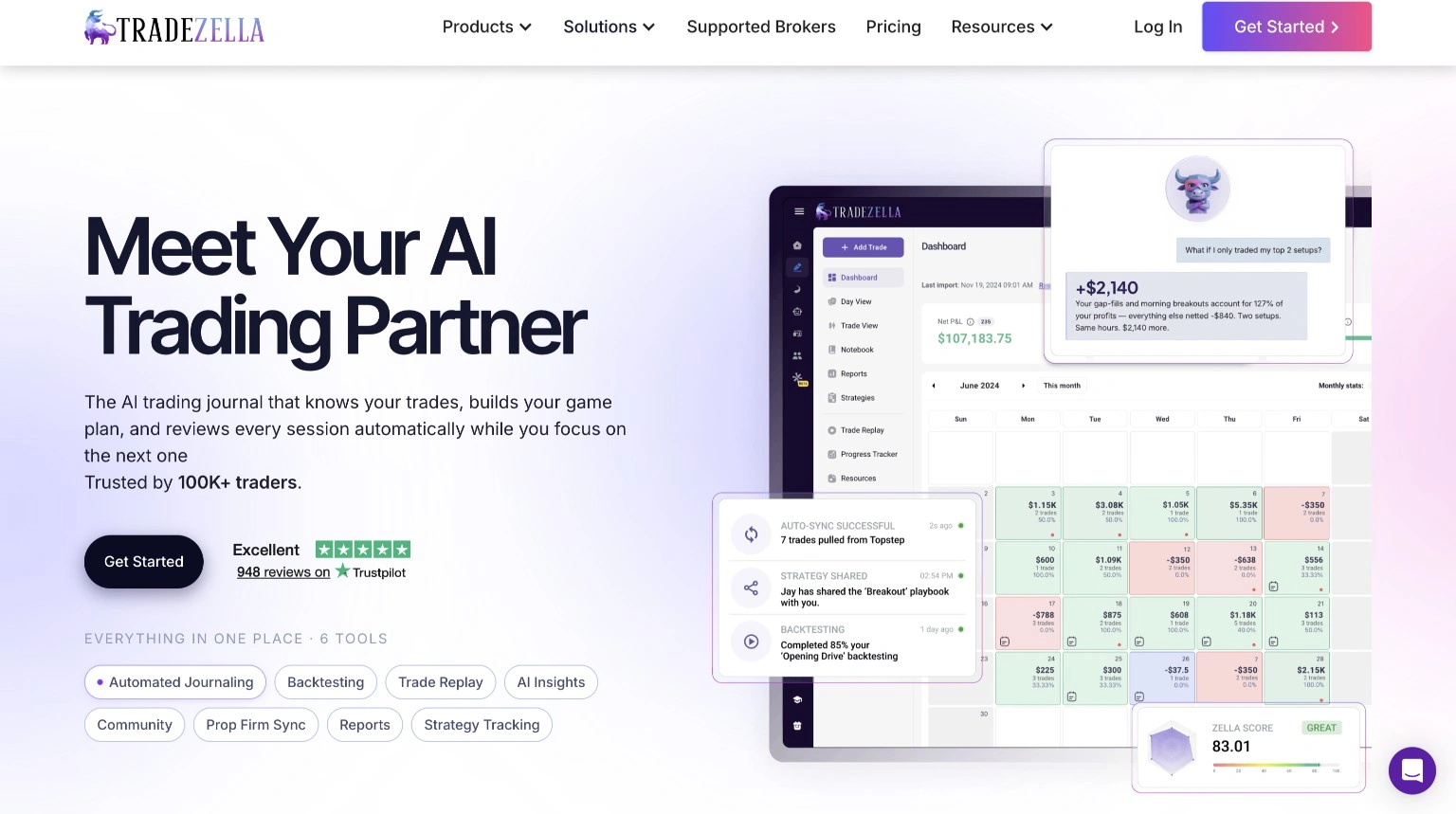
- Historical Data: 11+ years (from September 2014)
- Markets: Stocks, Options, Futures, Forex, Crypto
- Best For: Prop firm traders, performance-focused traders
Pricing
Tradezella runs $29/month on the Basic plan, $49/month on Pro, or $99/month on the newer Ultra plan, with no free plan and no free trial. Basic and Pro cover manual backtesting and journaling. Ultra is the one that changes the pitch — it adds no-code automated backtesting, so you write the rule once and Tradezella runs it across years of history instead of you replaying every candle by hand (see the manual-vs-automated section above if that distinction is new to you). There is no entry-level option here — you are paying premium-tool pricing from day one, which only makes sense if you will actually use the analytics layer or Ultra's automation, not just manual replay.
Tradezella is not just a backtesting tool — it is a full trading performance platform. The backtesting is solid but where it really shines is what happens after the backtest. It automatically logs every trade, tags it, and gives you detailed analytics on your performance.
You get win rate by session time, best and worst setups, P&L by strategy, and an AI assistant called Zella AI that analyzes your data and gives coaching insights. It also has 500+ broker integrations and ICT indicators built in — something very few backtesting tools offer. For a prop firm trader juggling several funded accounts, that broker sync alone can save hours a week that would otherwise go into manually reconciling trade history by hand.
What works well
- Extremely detailed analytics and reports
- AI-powered trade analysis (Zella AI)
- No-code automated backtesting on the Ultra plan
- 500+ broker integrations
- ICT indicators built in
- Multi-symbol backtesting (up to 5)
- 11+ years of historical data
What could be better
- No free plan, no free trial
- Automated backtesting locked behind the $99/mo Ultra tier
- Pricing is high for retail traders
- Indian market data is not available
Check Tradezella's official pricing and features →
#2 FXReplay — Best for Forex Bar Replay
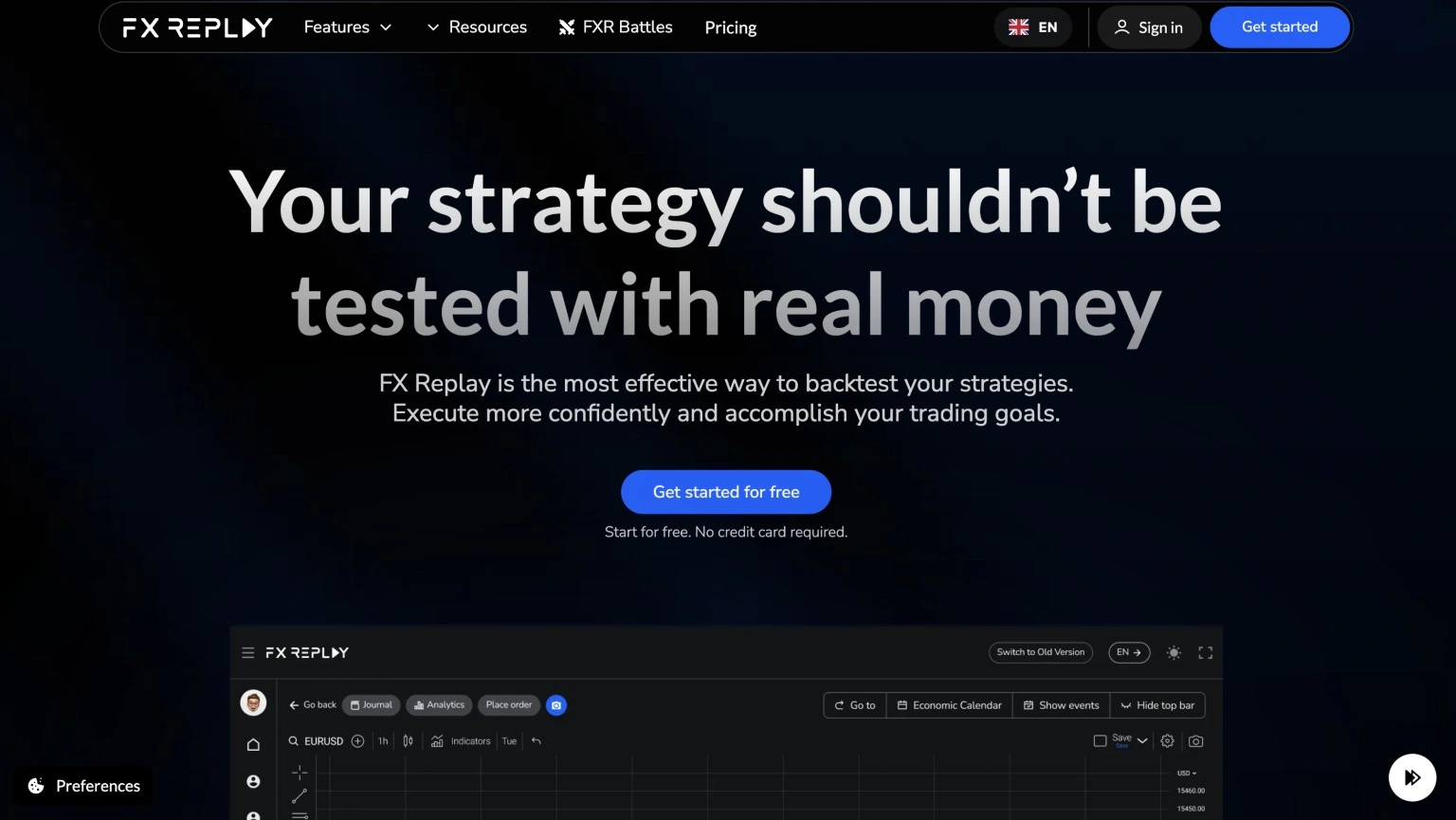
- Historical Data: Multi-year historical data for major instruments, from 10 to 25 years
- Markets: Forex, Indices, Futures (Pro), Crypto, Commodities, Stocks (Pro)
- Best For: Forex traders, price action traders, prop firm practice
FXReplay is built specifically for manual backtesting. Clean, fast, and intuitive. If you are a forex or price action trader who wants to replay historical charts and practice entries and exits, FXReplay does this better than most. That narrow focus is also its biggest strength — FXReplay does not try to be a journal, a broker, or a global charting tool. It does one job, forex replay, and does it well enough that prop firms use it for challenge practice. If you are here specifically because of the free-plan or loading-speed complaints covered above, the fuller feature-by-feature breakdown against Traders Journal is worth a read.
It runs on TradingView's charting engine so the interface feels instantly familiar. Replay speed goes up to 16x, with session length left up to you rather than a fixed timer, and up to 16 charts simultaneously on Pro against up to 5 instruments per session. The prop firm simulation mode lets you set drawdown limits and profit targets — great for funded account preparation. There is no dedicated mobile app; sessions run in a browser tab on desktop or mobile web, which is workable but not built for a small screen the way a native app would be.
Pricing
FXReplay runs about $19/month on Starter or $35/month on Pro, with a free plan limited enough that most traders outgrow it within a session or two. There is no lifetime option — you are on a subscription for as long as you use it.
What works well
- Built on TradingView's charting engine
- Prop firm challenge simulation mode
- Up to 16 simultaneous charts (Pro)
- Multi-symbol sessions (up to 5)
What could be better
- Very limited free plan
- Slow data loading reported by users
- Web-only — no desktop app
- No Indian market data
Check FXReplay's official plans →
#3 Traders Journal — Best Affordable All-in-One Tool for New and Intermediate Traders
- Historical Data: 6 to 10 years (NIFTY, BANKNIFTY, Forex, Crypto)
- Markets: Futures, Forex, Crypto, Commodities, Indian markets (NIFTY, BANKNIFTY)
- Best For: New and intermediate traders who want one affordable all-in-one platform
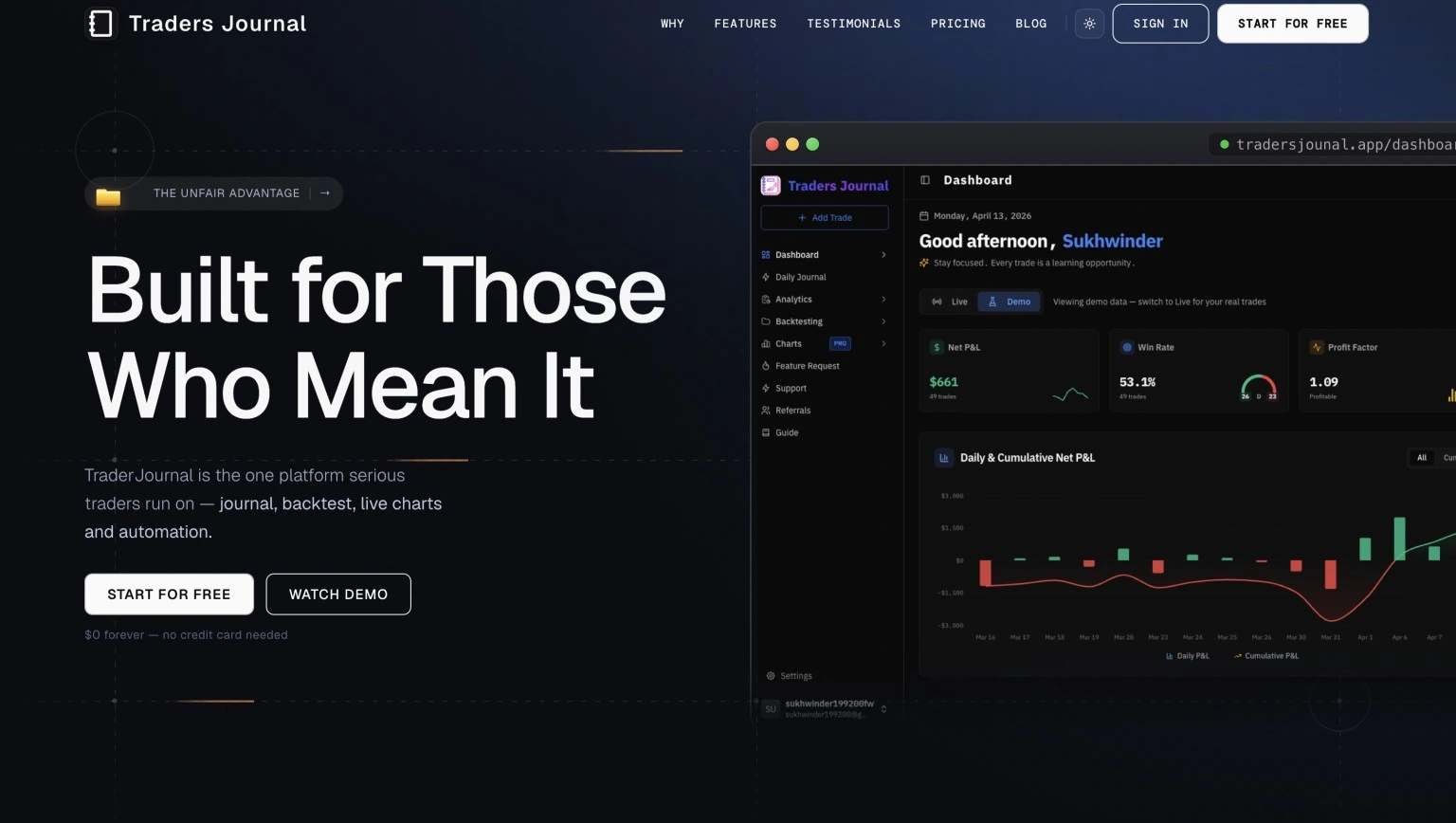
Traders Journal is built for traders who want one practical tool without paying premium-platform prices. The biggest advantage is the value: journaling, dedicated backtesting, charting, and performance analytics live in one place, so new and intermediate traders do not need to stitch together multiple apps just to review a strategy properly.
For just $12 a month you get live charting, bar replay, trade journaling, analytics, and backtesting across futures, forex, crypto, and commodities — all in one place. Bar replay runs on adjustable speed with session length left up to you, across intraday timeframes through daily and weekly charts, so the same session can cover a scalping test in the morning and a swing-trade review in the evening. The platform is beginner-friendly, works well for intermediate traders who are tightening their process, and still includes Indian market coverage like NIFTY and BANKNIFTY as a useful advantage rather than the whole pitch. Unlike FXReplay and most platforms on this list, Traders Journal also ships a native mobile app, so a backtesting session or a journal entry does not have to wait until you are back at a desktop. If you want the full product breakdown, read what Traders Journal includes. Even if you don't have $12, that's not an issue — there is a free-forever plan with no ads.
Traders Journal is not aimed at prop-firm veterans chasing the last 2% of edge. It is built for the learning or intermediate trader who is serious about getting better but keeps hitting the same wall — the tools that could actually help, Tradezella's analytics or FXReplay's forex depth, start at $19 to $29 a month before you even know if the habit sticks. Traders Journal removes that barrier by design: start on the free-forever plan, build the backtesting and journaling habit with real (if limited) data, and only pay the $12 once you already know you will use it.
Pricing
Traders Journal is free forever for core charting, backtesting, and journaling, with Premium at $12/month (₹499), or $119 billed annually, unlocking the rest. That is roughly a third of Tradezella's cheapest plan and well under FXReplay's Starter tier — and it comes with a permanent free tier neither of those two offer, plus a 21-day trial with a small refundable charge.
What works well
- Free forever, or $12/month for everything
- Indian market data natively (NIFTY, BANKNIFTY)
- 10 years of historical data
- All-in-one: charting + journaling + backtesting
- Covers futures, forex, crypto, and commodities
- Beginner-friendly UI, with a mobile app as well
What could be better
- Smaller user community than global platforms
- Some advanced features are still being built
#4 Forex Tester — Best for Simulation and Tick-Level Data
- Historical Data: 23 years — tick-by-tick | 600M+ ticks per symbol
- Markets: 28 forex pairs, 10 crypto, 16 stocks, 10 indices, 10 ETFs, 6 commodities
- Best For: Serious forex simulation, scalping strategies, strategy builders
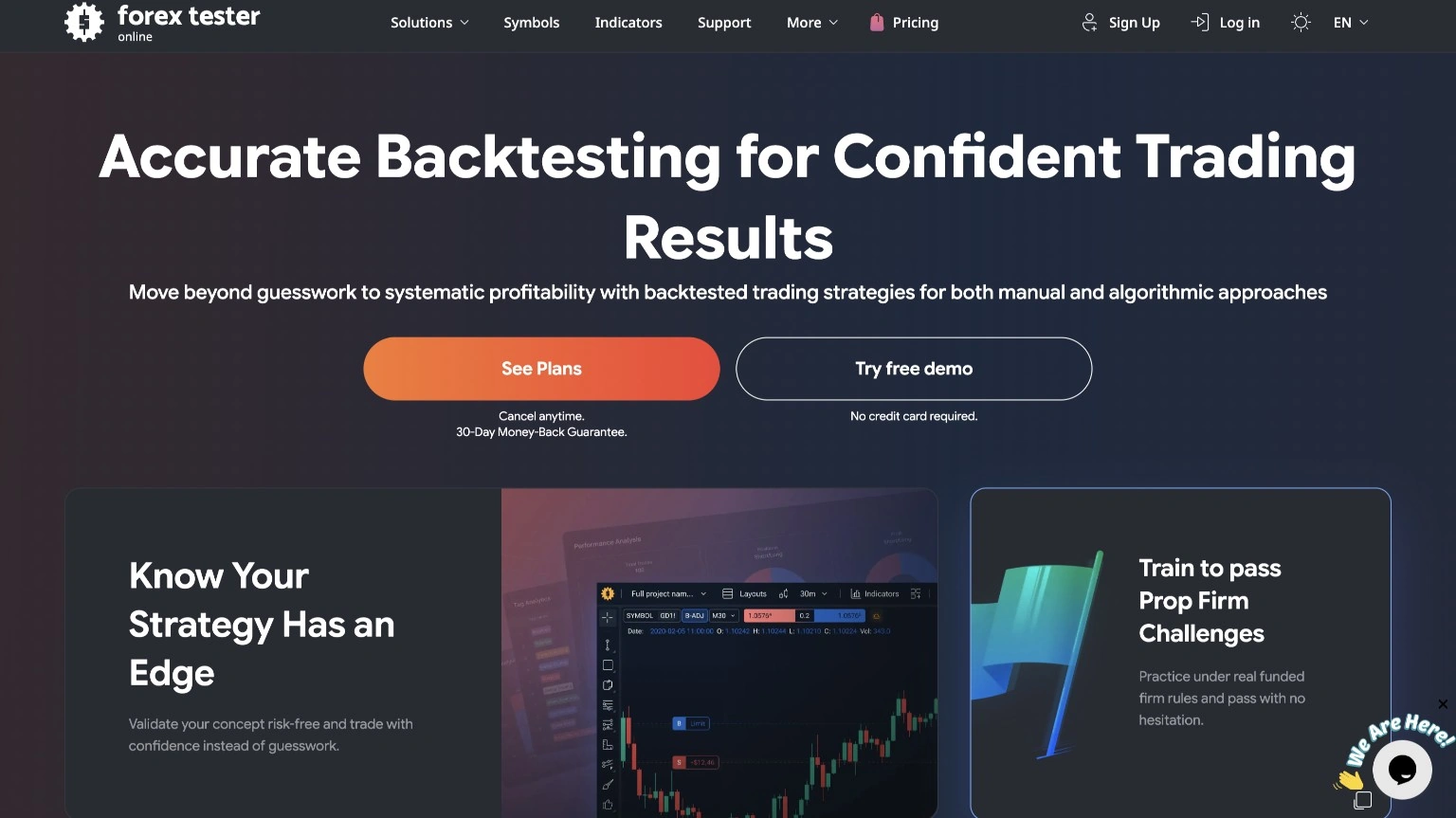
Forex Tester is one of the most mature backtesting platforms available. The biggest differentiator is data quality — 23 years of tick-by-tick historical data and over 600 million ticks per symbol. No other platform on this list comes close for data depth. That is not a small thing if you trade forex seriously — sitting through 23 years of real spread and slippage is closer to earning the skill than borrowing it.
The platform replicates real trading conditions including spreads, swap costs, commissions, and slippage. It also has a robot builder for no-code automated strategies, an exit optimizer that finds the best TP/SL levels, and a blind testing mode that hides chart labels so you trade pure price action without memory bias. It is also sold as two separate products under one name — a one-time Windows app and a browser-based subscription — which changes the pricing math depending on which one you actually mean. We break that split down in full in Forex Tester vs Traders Journal.
Pricing
Forex Tester Online runs about $12/month on an annual plan; the standalone Desktop app is a one-time purchase between $99 and $250 depending on tier. Both include a free demo, but neither has a permanent free-forever tier.
What works well
- 23 years of data — deepest on this list
- Tick-by-tick precision for scalping
- Realistic simulation with spreads and commissions
- Robot builder and exit optimizer
- Lifetime plan — pay once, use forever
- Free demo available
What could be better
- Not purely no-code — the robot builder has a learning curve
- No advanced journaling or analytics
- No Indian market data
- Interface feels slightly dated
Check Forex Tester's official pricing →
#5 TradingView — Best for Global Market Coverage
- Historical Data: 20,000 bars on Premium (varies by plan)
- Markets: 2,000,000+ instruments globally — stocks, forex, crypto, futures, indices
- Best For: Traders who want the best charting with global data coverage
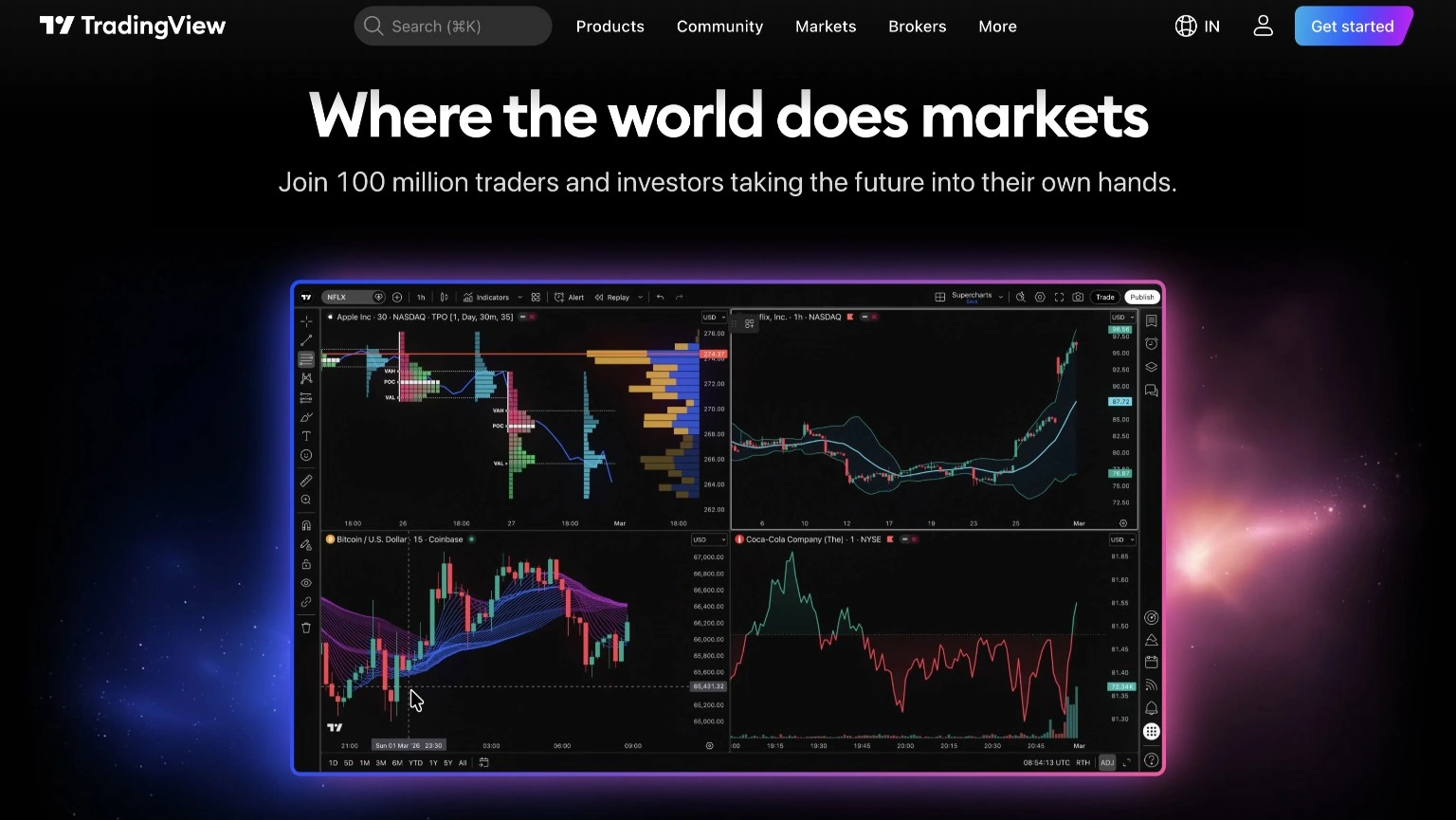
TradingView is the starting point for most retail traders. The charting engine is fast, the indicator library has thousands of community scripts, and the bar replay feature lets you step through historical candles one by one.
That said, TradingView is built for charting first. Its backtesting is surface-level — you can only visualize with the long or short position tool, and there is no trade journal, no session tagging, and no deep analytics unless you export data and use another tool. Real, deep strategy backtesting requires Pine Script. What keeps people here anyway is the ecosystem around it — most traders already live on TradingView for charting, most strategy ideas online reference it by default, and that switching cost is real even when a dedicated backtesting tool would serve the actual testing better.
Pricing
TradingView has a genuinely usable free plan, then $14.95/month (Essential), $34.95/month (Plus), or $67.95/month (Premium) for more indicators per chart, more alert capacity, and deeper historical bars. Backtesting itself is not gated by plan — Pine Script access is what actually determines whether you can automate a strategy test.
What works well
- Best charts in the industry
- 2 million+ instruments globally
- 100,000+ community indicators
- Covers NSE and BSE for Indian traders
What could be better
- No trade journaling built in
- Real backtesting requires Pine Script
- Bar replay only on paid plans
- 20,000 bars is limited on lower timeframes
Check TradingView's official plans →
Which One Should You Choose?
- Want deep analytics and AI trade coaching → Tradezella
- Forex trader who wants clean bar replay → FXReplay
- Learning trader who wants an affordable all-in-one tool → Traders Journal ($12/mo)
- Want maximum simulation realism with tick data → Forex Tester
- Want the best charting platform with global data → TradingView
If you are just starting out, Traders Journal is the safest starting point. It is affordable, covers Indian and global markets, and gives you everything you need without extra complexity. If futures are your main focus, our free futures backtesting guide is the better next read. Running more than one strategy at once? See how to backtest your whole trading portfolio.
Why I Take Backtesting Seriously
Following a strategy was not enough for me. I needed to understand its normal drawdown, weak market conditions, and the trades worth avoiding. Backtesting gave me evidence to follow the rules with more calm. It did not make the strategy permanent. Markets change, and the data gets the final vote.
That is the standard behind this comparison. A useful backtesting tool should help you test fixed rules and review mistakes before real money is involved. Ten lucky trades can look impressive. They still prove very little.
Start Backtesting Your Strategy Today
Traders Journal gives you everything in one place — live charts, bar replay, trade journal, and analytics — across Indian markets, forex, crypto, and commodities. All for just $12 a month.
Try Traders Journal at tradersjournal.app — start for $12/month.