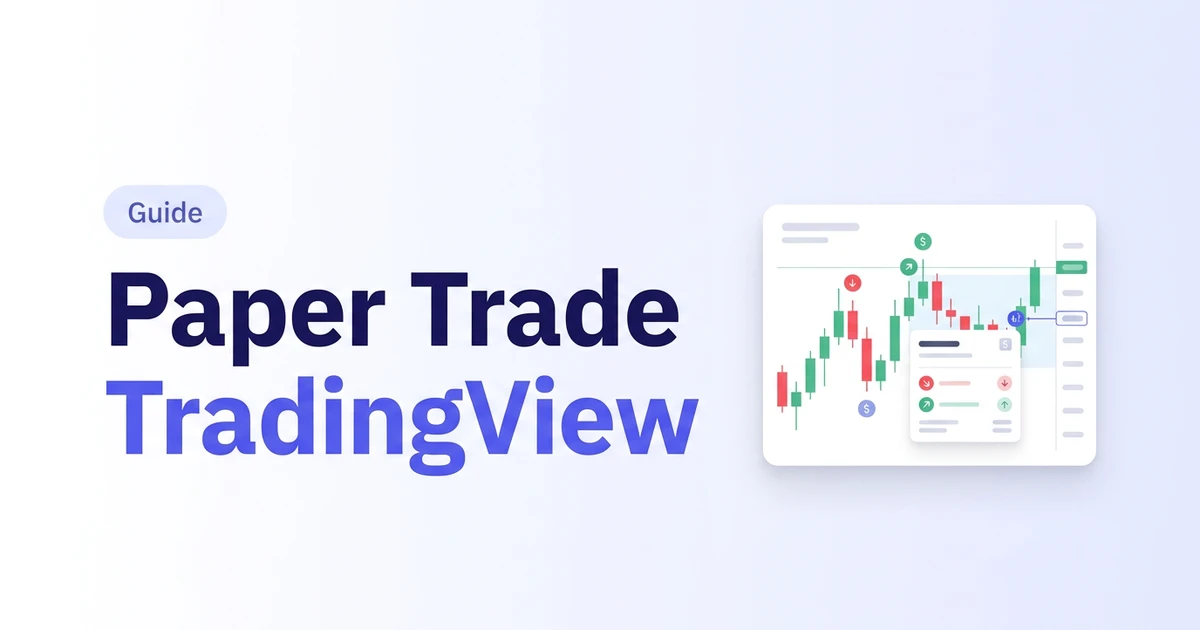
You can paper trade on TradingView for free: open a chart, click Trade at the bottom, pick Paper Trading, and hit Connect. Two minutes, no deposit. TradingView built a good practice account. The catch is not the tool, it is the clock: it trades live prices, so you only practice when the market feels like giving you a setup.
Start free, no card
Log every trade, tag your setups and see what's working. The free plan stays free.
Paper Trade on TradingView in 6 Steps
- Open any chart on TradingView and click Trade in the bottom panel.
- Choose Paper Trading from the list of brokers, then click Connect.
- Pick the symbol on your chart and open the order ticket.
- Choose market, limit or stop, and set your size.
- Add your stop loss and take profit in the same ticket, before you send it.
- Watch the position and your history in the trading panel as the market moves.
On the mobile app the flow is the same pick-and-connect idea from the Trade tab. TradingView's own paper trading help page has the current screens (checked November 2026).
What You Can Paper Trade There
TradingView says paper trading covers almost every asset class on the platform: stocks, forex, crypto, and commodity and index futures. The order ticket takes market, limit and stop orders, and you can attach a stop loss and take profit as you send it. Whatever you trade live, you can almost certainly rehearse here first.
What TradingView Paper Trading Can't Do
A practice account is a wrench, not a gym. Judge it by the job it was built for: letting you press the buttons without risking money. It does that well. Building a big sample of trades fast was never the job.
- It runs on live prices. If your setup shows up twice a week, you get two reps a week. I have waited weeks for a single setup myself.
- Replay does not fix it. TradingView's Bar Replay help page says trading orders are executed using real-time data, including those in Paper Trading. Replaying a past day is not the same as paper trading it. Intraday replay also needs a paid plan (see our TradingView backtesting guide).
- It does not ask why. A fill is logged. The reason, the setup name and the mistake are not. That is a journal's job.
Start free, no card
Log every trade, tag your setups and see what's working. The free plan stays free.
How Many Practice Reps Does Live Paper Trading Give You?
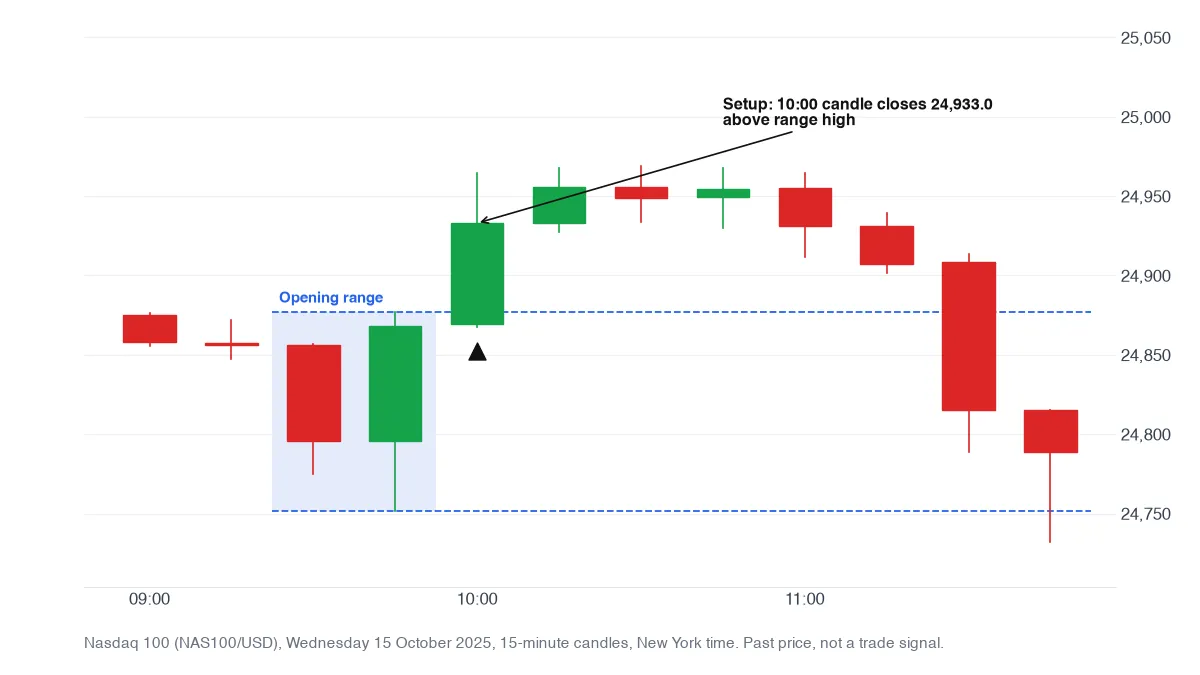
We counted. Using almost six years of 15-minute OANDA candles (4 January 2021 to 18 November 2026), we tracked one plain setup, the first 15-minute close beyond the opening 30-minute range, on three markets. Each market gave a setup on about four days out of five. That sounds generous until you do the sums: on one market, logging 30 setups takes about seven weeks of live paper trading, and logging 100 takes about 24.
| Market | Setups per week | Weeks to log 30 | Weeks to log 100 |
|---|---|---|---|
| NAS100 (969 setups in 1,167 days) | 4.2 | 7.2 | 24.1 |
| EUR/USD (1,302 in 1,504 days) | 4.3 | 6.9 | 23.1 |
| Gold, XAU/USD (1,222 in 1,449 days) | 4.2 | 7.1 | 23.7 |
Our test, OANDA data. Opening range: first 30 minutes of the New York open for NAS100, of the London open for EUR/USD and gold. One setup per day at most, weekdays only, days with missing candles skipped (on NAS100 that drops every Friday, which has fewer candles, so its count is Monday to Thursday). It counts setups, not winners.
Roughly four reps a week, and that is for a setup that shows up almost daily. A rarer setup, say one that fires three times a week, means ten weeks to reach 30. A replay session does not wait. Our simulator plays a day at up to 200x, so a full cash session passes in a couple of minutes, and the next candle stays hidden until you step.
Paper Trading vs Bar Replay vs a Replay Simulator
| Feature | TradingView Paper Trading | TradingView Bar Replay | Traders Journal replay |
|---|---|---|---|
| Prices | Live | Past candles | Past candles, next one hidden |
| Orders fill on | Live prices | Real-time data, per TradingView's help page | The replayed candles |
| Best for | Learning the order ticket | Studying a chart in the past | Fast reps, then a review |
| Markets | Stocks, forex, crypto, futures | Most TradingView symbols | Forex, index futures and CFDs, gold, crypto, India. No US stocks or options. |
TradingView facts from its help pages, November 2026. Our free plan has 10 replay sessions a day, one symbol and a 90-day range. Premium is $12 a month with unlimited sessions and 3 symbols, and starts with a 21-day trial.
Pick TradingView if you want to practice on today's live market and you already live in its charts. Pick a replay simulator if you need a pile of trades fast, or to backtest the same rules. Neither is the wrong choice, it depends which job you have. New to the idea? Start with what is paper trading.
A 3-Step Practice Plan
- Pick one setup and write the rules. Entry, stop, target, size. Same every time.
- Take 30 trades. Live paper trading gets you there in weeks. A paper money trading simulator with replay gets you there in a few evenings, and a fake day trading simulator does the same for intraday days.
- Review every trade. Log why you took it. A journal shows what happened and why. If the numbers hold, test the same rules on more history in backtesting.
Get 30 practice trades in a few evenings, free
Three Mistakes That Make Paper Trading Useless
- Changing size every trade. A big demo balance invites sizes you would never risk. Use the size you would trade live.
- No stop. If you would not trade without a stop live, do not do it here.
- Skipping the log. Ten good trades prove very little. Thirty logged trades start to say something. More on the other tools in our paper trading simulator comparison, or browse the rest of the trading education guides.